A quieter corner
Choose a spot away from loudspeakers, food service and heavy foot traffic. Let us know what will be playing nearby while we record.
How it works
Here’s what we plan before your event, how we run the studio on the day, and what you’ll get after the last recording.
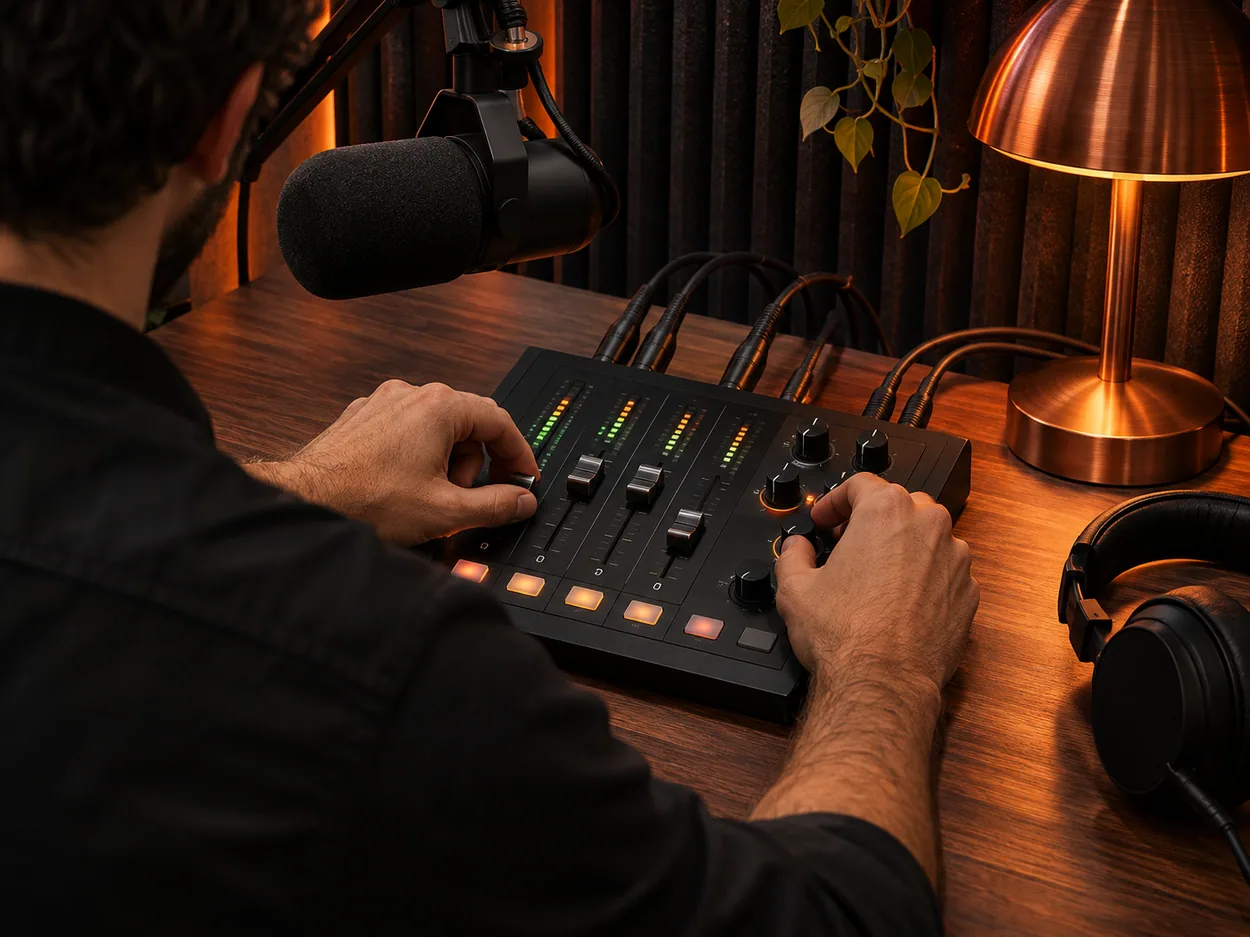
Production workflow
Share your venue, recording window and goals. We’ll plan the kit, guest flow, interview format and files you’ll need after the event.
An on-site producer sets up, runs a sound check and monitors the recordings while guests drop in or join scheduled sessions.
Receive organized files through a private link. Any episode edits, keepsake compilations or social clips are delivered as agreed in the quote.
Venue planning
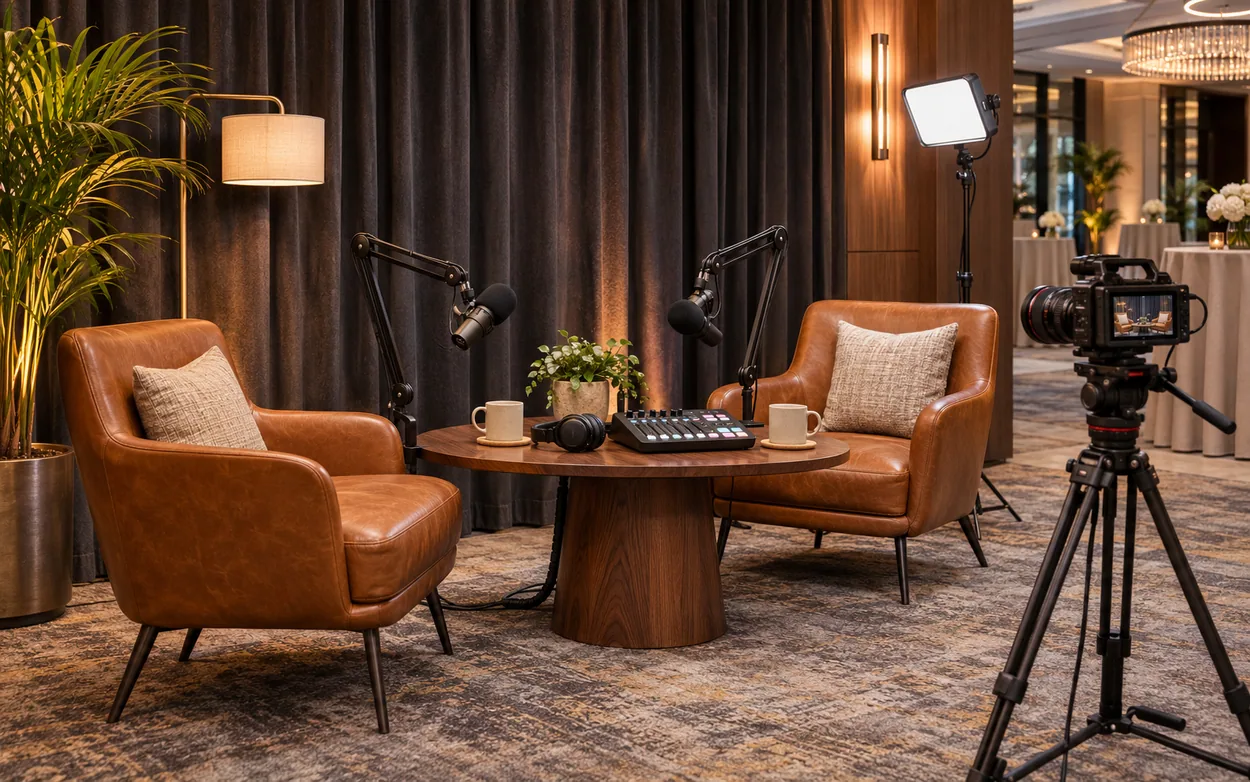
Show us where the studio could go or send a floor plan. We’ll confirm the space, equipment and access needed for your booking.
Choose a spot away from loudspeakers, food service and heavy foot traffic. Let us know what will be playing nearby while we record.
Share outlet locations, load-in instructions, parking or exhibitor passes, and the time we can access the space.
Send your event schedule, interview priorities or the hours you want the station open. Tell us where the recordings will be shared so we can plan participant permissions.
After the event
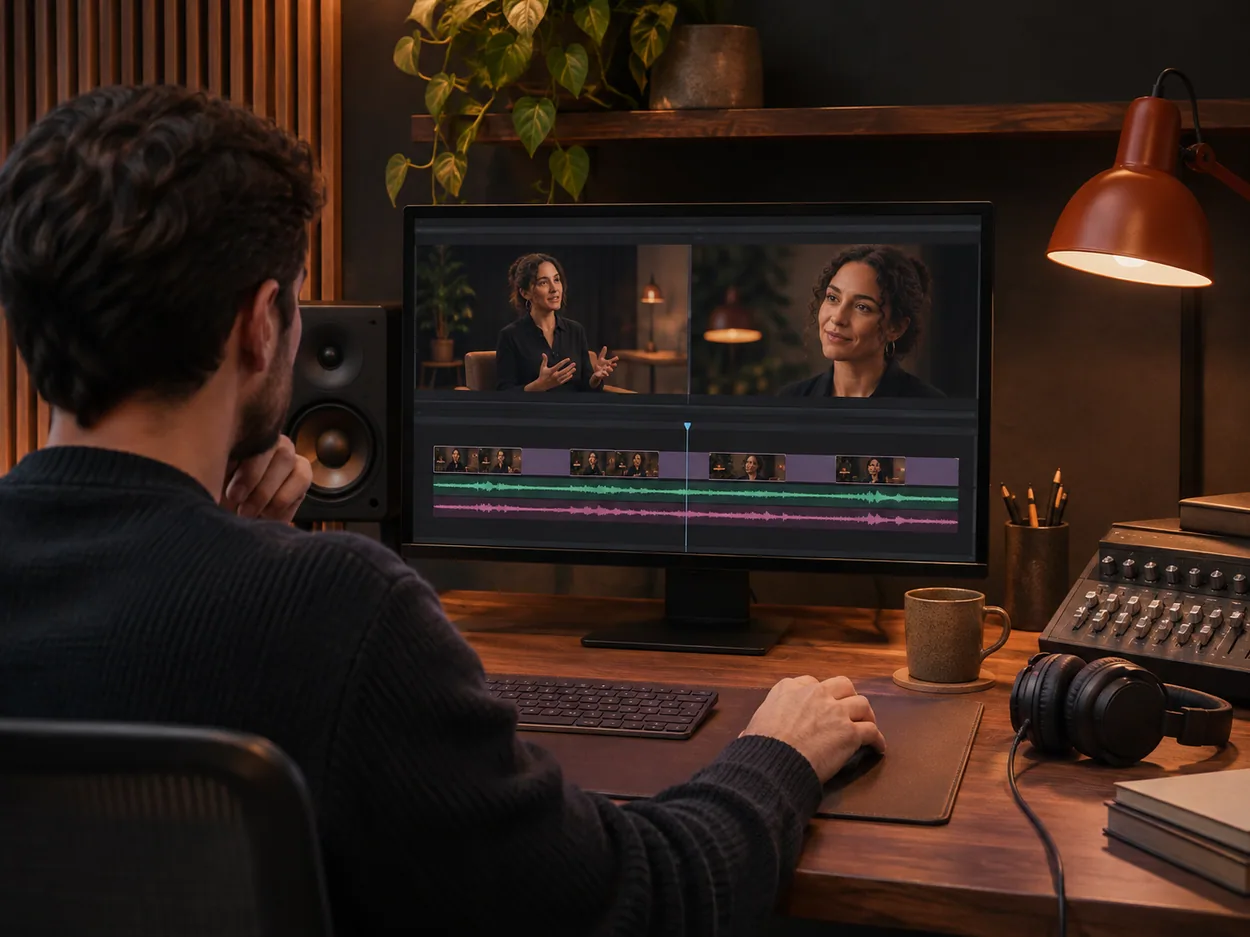
We agree on a labelling plan and organize the files by guest, session or recording block. Your team can use that structure to find and review interviews.
Basic cleanup is included where listed. An optional edit can combine guest messages, shape a full episode, or create vertical clips from selected moments.
Tell us who needs access, where the content will live and whether there’s a launch or review deadline. We’ll confirm delivery and formats before you book.
Good to know
We plan bookings across Niagara and Southern Ontario. Share your venue and city when you inquire so we can confirm availability and travel costs.
A quieter recording area, access to power and a way to bring equipment in are good starting points. We’ll confirm the floor space, furniture and access for the setup you choose.
Each package shows its base recording time and deliverables. The quote confirms your setup, travel, editing, any add-ons, applicable taxes and payment terms before booking.
We organize the files by session and share a private download link with the agreed recipient. We’ll confirm file formats, turnaround and any edit review steps in the quote.
Send the run of show or the recording windows you have in mind. We’ll use that to plan arrival, sound check, sessions, breaks and teardown.
Share the location, shelter, power access and backup plan. Wind and nearby sound sources affect microphone placement, so we’ll review the setup before confirming coverage.
The standard guestbook has two microphones for individuals or pairs. For a panel, group interview or a high-volume guestbook, share your expected guest count and recording window so we can plan the setup.
Tell us where you want to share the audio or video. Agree on how guest permission will be documented, who will review the recordings and what formats your team needs.
Many add-ons work across packages. Video clips need a video recording, and the Guestbook video upgrade is for the audio-only Guestbook tier. We’ll confirm the right combination in the quote.
Share your date, venue, event type and the recordings you want. The inquiry gives us the details to review availability and prepare a quote with any outstanding setup questions.
Tell us the date, location and what you’d like to capture. We’ll put together a quote for your event.